
faq:email:how_to_allow_html_and_scripting
This is an old revision of the document!
How to allow HTML and Scripting
To allow the html & scripting.
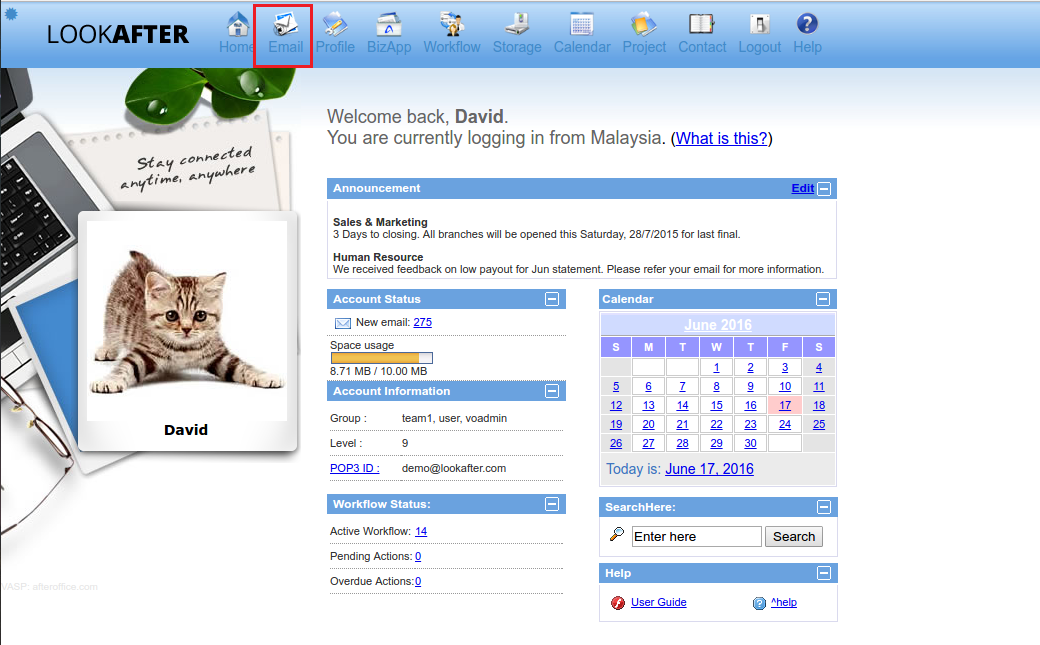
- Go to Email.
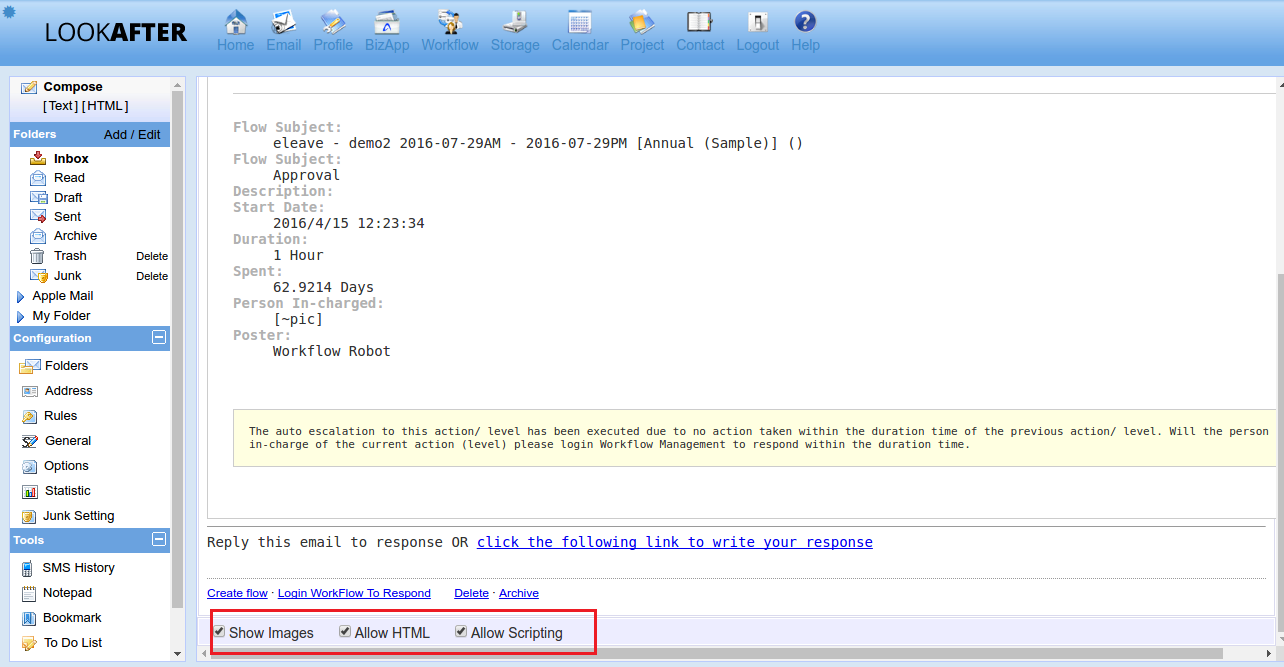
- Select one of your email then scroll to bottom side and Check for 3 options - Show image, allowed HTML and allowed scripting. \\
faq/email/how_to_allow_html_and_scripting.1494999572.txt.gz · Last modified: by vikki
Except where otherwise noted, content on this wiki is licensed under the following license: CC Attribution-Share Alike 4.0 International


